Thursday, 21 January 2016

Class 82


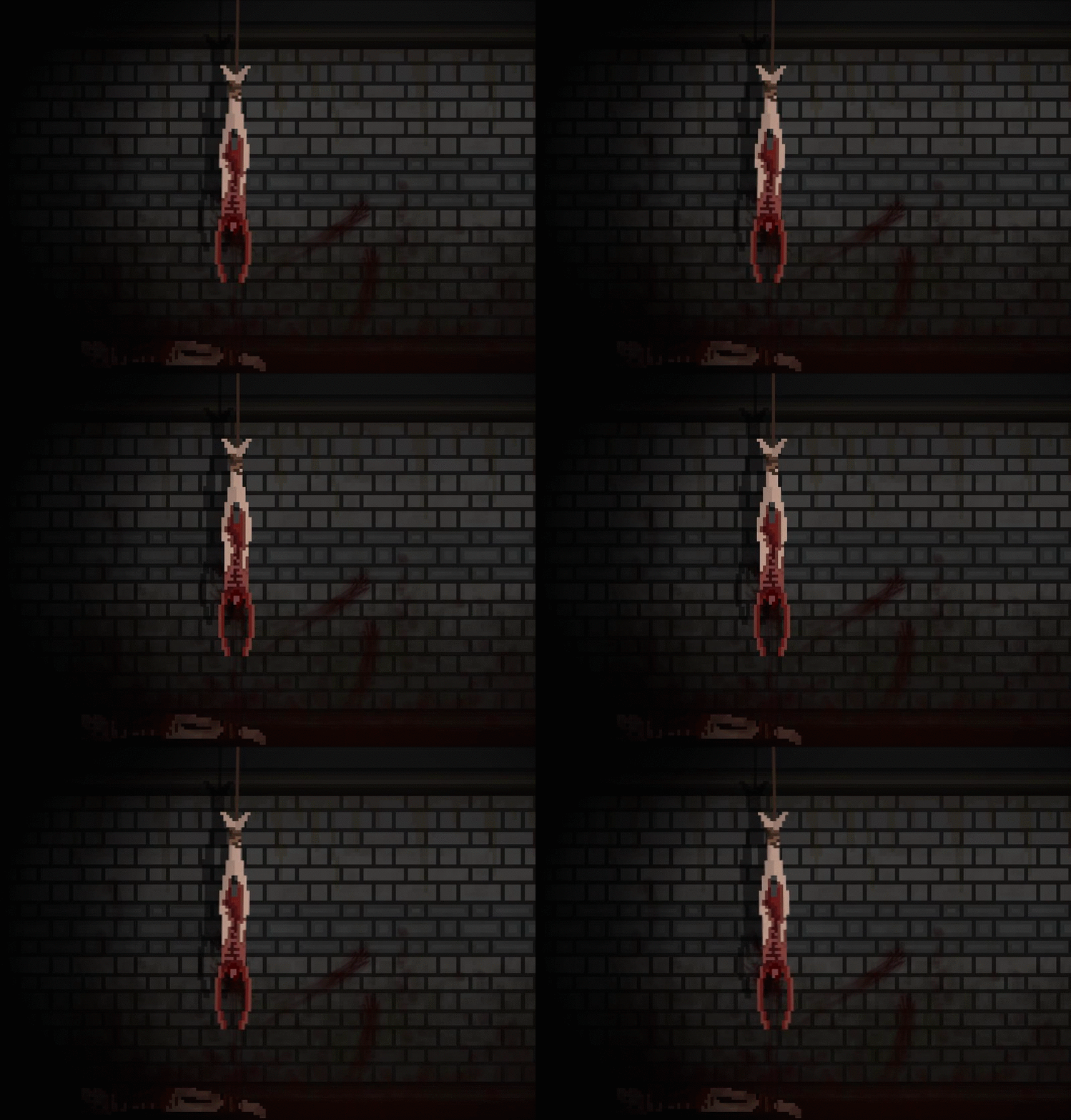
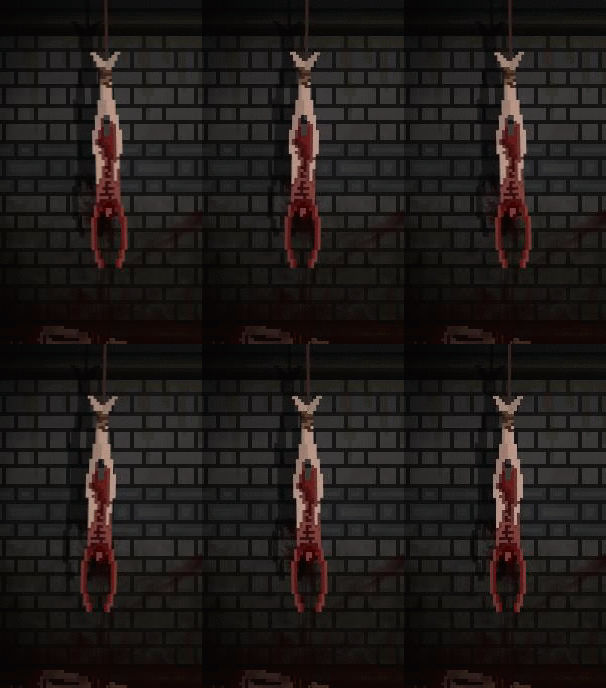
Today I started by putting the background into Gamemaker as a sprite, this allows me to see what it would actually look like in game. Sadly the animation plays way too fast, and just like I suspected it needs to be more frames then 8 to be slowed down. Currently when it is slow it looks very, very bad. So bad it doesn't even qualify for a GIF. So here is the GIF of it swinging too fast.
This time its not me clicking between images.

Another thing to note is the slight shutter in the shadow at the top of the GIF, right as it begins to swing left the shadow jumps forward, then backwards in a single frame. This is just a small error in my animating. Its not technically challenging to fix, but I will not being going back to solve this problem.
Only because when I do the new animation, it will be impossible to make this same type of error. It will be impossible because I wont be moving the shadow and the body separately like before, I will be moving them as one image.


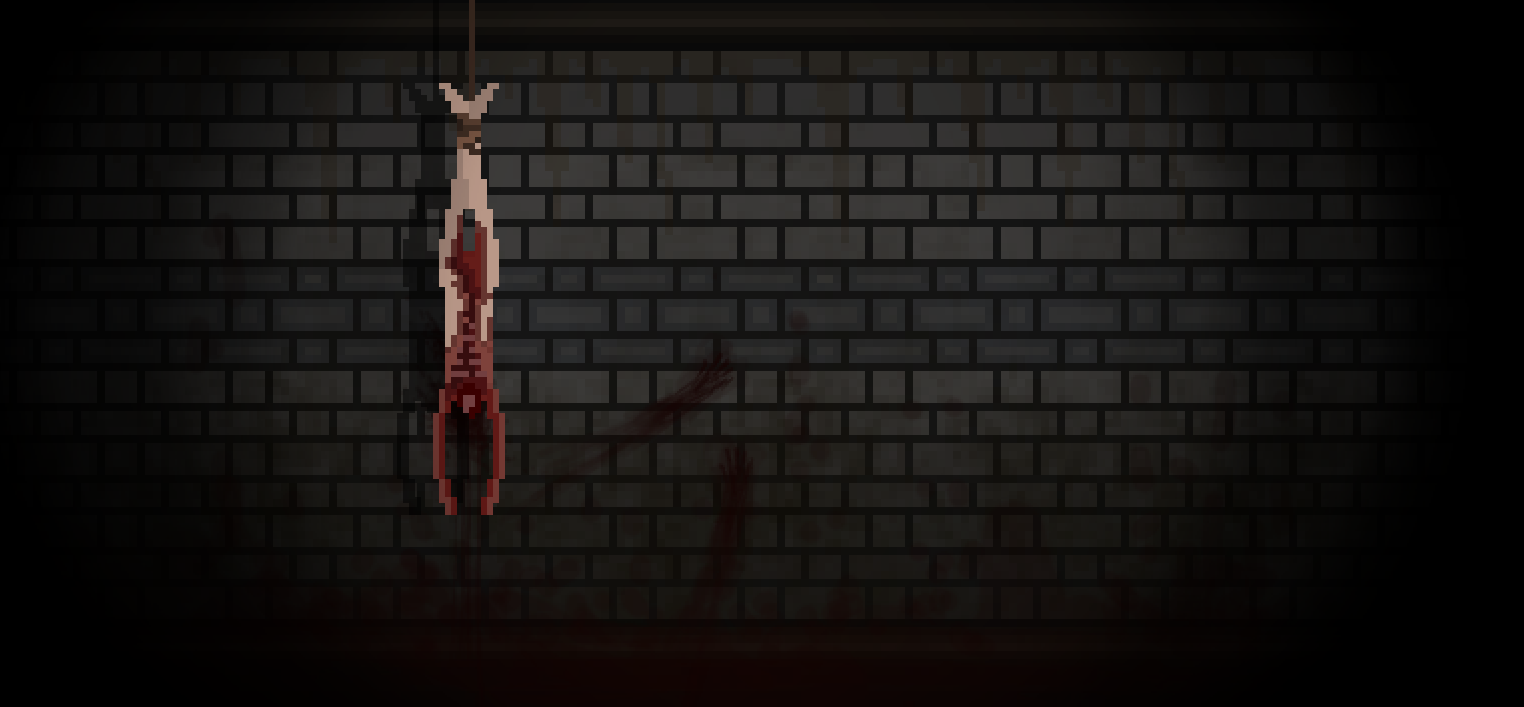
So after that failed attempt, I decided to take the original image and split it into two separate images, one being the Corpse, and one being the actual wall. This will allow me to take the corpse and animate it separately, this way I won't have to create a separate image for each part of the background.


After I split the image, I put them both into game maker as separate objects, the hope was to use code to make the corpse swing slightly back and forth. Howie and I then began to work on it together. Despite both our best efforts we only achieved breaking the game and Gamemaker.
But being so closed to the bell, we couldn't continue our work and fix the code.


Tomorrow is our last day to blog. So what i'm going to try to do is use a different animation method to create my background. We could efficiently do it with code tomorrow, but I want to familiarize myself with other types/methods of animating.

Wednesday, 20 January 2016

Class 81

So today I started by figuring out what I wanted to do. I looked through my current options and decided if I wanted to do anything, it would be the background animation, so that's what I set out to achieve.
Currently I have extracted all my home sprites onto this school computer. I also cleaned up my desktop because the clutter was making me annoyed.
 After doing that I started by figuring out how exactly I wanted to animate the background. I decided to just do it frame by frame. After completing the animation, I see some flaws with my idea. Personally I think it will be easier and look way better to take the animated hanging corpse, make it its own sprite, and place it in the main menu and have it animate through code. This is all possible because I have made the background in multiple layers of images.
The actual animation I have made today works, but i'm not sure it will be good enough. Currently it is just 8 frames long, which is really, really short. But if I want to make it have more frames I have to decrease the amount of pixels its moves over each frame. This would take a extremely long time to do manually. So I need to find some sort of program that will allow me to just easily make it look like its hanging, or attempt to do it in some sort of code.


Please note that the uneven speed at which the frames switch between is not the actual animations fault. That is a physical flaw in my clicking ability. I'm to lazy to actually put the PNG's into Gamemaker and have it play as an animation, so I just make a GIF of me clicking through all the pictures. Interesting how the lazy method of doing things always seems to require more work. Like writing this explanation, and clicking between pictures really fast.

Tomorrow I will attempt to use different animation styles, hopefully by doing that I can find the most effective way to animate this background. 
I also might add some sort of particle effect to the background. 

Tuesday, 19 January 2016

Class 80 - New Year, New Menu

Today I wasn't in class, however the background I needed to create for Howie required some specific sprites, these sprites also just happen to be on my home computer.
What Howie wants from me is a cool image that will be our main menu picture or background thing, whatever you want to call it.
So I started to make the background and ran into a few problems, first my sprites where too small for the actual background, so I needed to scale them to fit it properly. My second problem was when I scaled them it made them look like blurry garbage. So this took me awhile to figure out what setting in my Paint program was doing this. It was actually extremely simple to figure out. Turns out it was just a quality setting trying to make my picture look good, but because it is only a tiny little sprite, the only thing it achieved was making it look uglier then sin.

 "Best Quality" - Made it and ugly blurry.
 "Nearest Neighbor" - Made it look perfect.


I then proceeded to create the background with the proper sized sprites, I decided to use a older blog post to help me make a wall texture for this background. The post I am referring to was on "Subway Walls". I thought the walls would make a perfect backdrop for our new main menu. 
I then did some gruesome google searches of blood stain pictures (Wouldn't Recommend).  Basically trying to find some inspiration for nasty things I can smear on the walls of this background... And I found one that was pretty good. Sadly, its a little cliche, but what can you do? Cliche things are Cliche for a reason. 
Now I have completed a version of the background, it looks pretty good. But I want to animate it to make it feel more alive. I might do that another day or maybe even later today, I haven't really decided. Another thing to note with this background is the shadow, which isn't something I would normally add. But I wanted to try something new. It was actually a pretty simple little trick, I just copied the hanging corpse and made it completely black. Then I took that image, put it on a layer behind the original, changed the opacity, and shifted it to the left. It was an extremely effective easy method for pixel art. It also adds a great deal of depth to the image. 
Not saying its the most complicated thing to learn, but hey! It works! 

Tomorrow I will work on this background, and if not that maybe I will start another overwhelming animation.

Monday, 18 January 2016

Class 79

So today I decided to work on the main menu screen with Howie,  so I went to Justin to get my sprites, but instead of listening to me, he was to busy crying about his broken game. So I changed my mind and sat down with Justin. We looked through almost every single file, yet nothing. The problem is the background is being resized I'm the second room, this wouldn't be that much of a problem if it didn't look absolutely garbage. Despite our best efforts the game continued to stretch the image into a distorted mess of an image. So we switched to Justins other copy if the game, however this copy has a deep dark secret. Obj_Sand, a weird sprite/object that Nick created. This object stops at nothing to break the game. Object sand has been deleted 3 times, and I know there's more times it has been deleted, but I have personally witnessed it's destruction 3 times. However just like the zombies we are trying to create, it reanimates itself into an indestructible wave of game crashing code. Code is the worst enemy to make, it is ruthless and has no mercy. So
 what I learned today is, One - Don't let Nick try and code our game. Two - Don't ask Justin for sprites.

In reality I learned a little bit more about code and how one little mistake can absolutely break everything you have ever created.

Thursday, 14 January 2016

Class 78


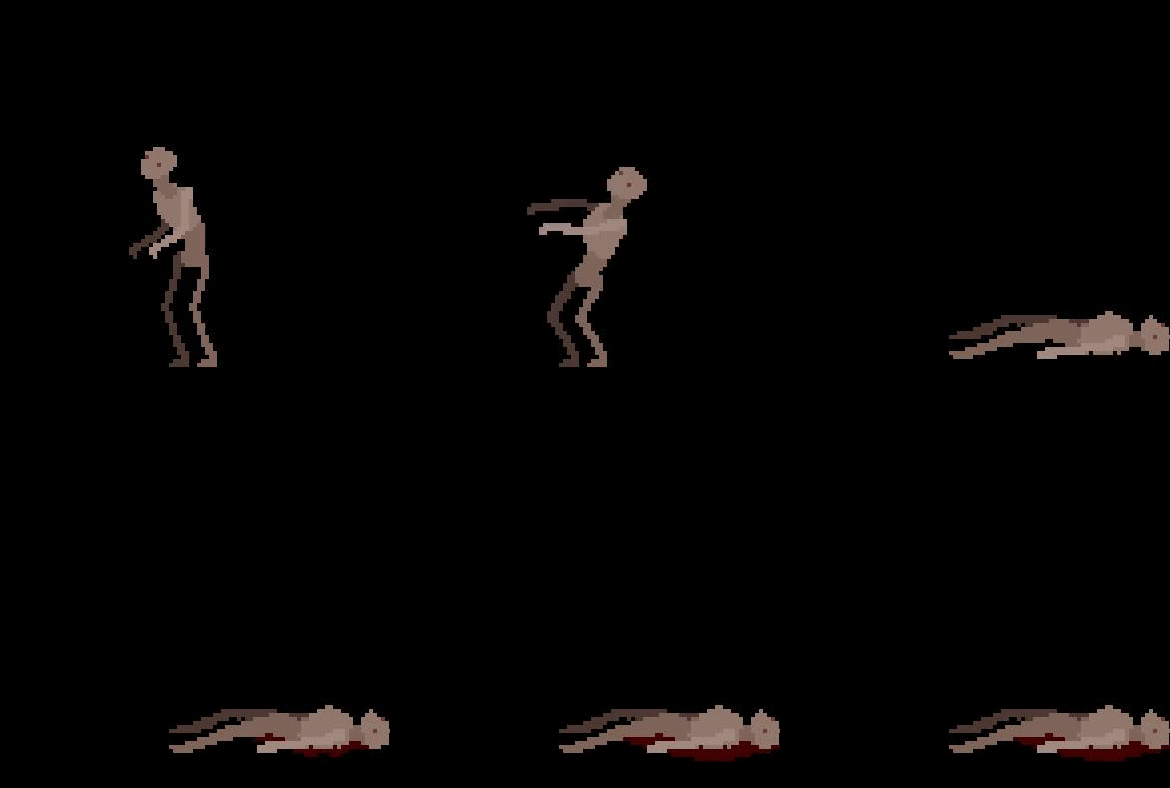
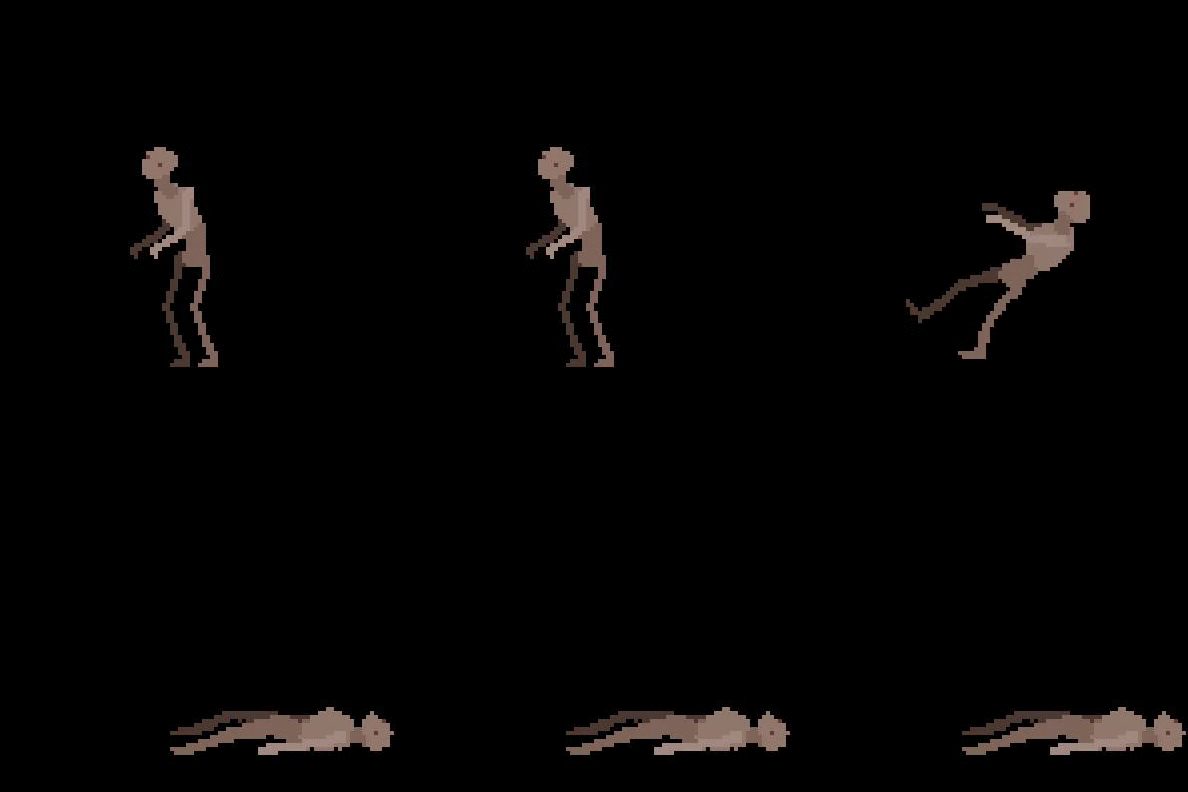
Today I started by converting the dying animation into a PNG. Once I converted it I threw it into Gamemakers sprite editor and changed some things around. My first change was I actually moved the sprite from its original starting position throughout the animation, this make it look like it was actually falling backwards. This greatly increases the dynamic flow of the whole animation.
The next thing I did was extend the last frame, this consisted of stretching it into another 15 frames. I then took those frames and started adding a little bit of blood to each one. I personally really like the effect of the blood pool forming under the dead body. It adds a great deal of atmosphere!


Howie and I then decided to go out and hunt for something, sounds. After previewing Ty's game with sound. I got a little jealous. Sound brings the whole thing together, it almost instantly makes it feel like a game. So we grabbed our phones and set off!
Later down the hallway we noticed Nick and Justin running behind us, I guess they got lonely and wanted to help us on our quest for a squeaky door! 
Basically we just walked through the whole school opening a bunch of doors. 
We then found the best door ever. The grad hall stair case! Normally filled with annoying sounds of echoing banter from grade nines, but during a class... its silent. The hallway gave the sounds a very eerie echo! So of course we just opened the door, and let it swing shut again! This made an amazingly exaggerated door effect, perfect for a creepy 2D side scrolling video game.   

Wednesday, 13 January 2016

Class 77

Today I felt incredibly sick so I thought it would be best to just stay home!
However you cant just miss a day and a blog post. So I decided to get more familiar with Pivot.
The reason I want to get more familiar with Pivot is in my last blog post.
""Currently I have been animating the frames as I go, basically just winging it. But I want to change that, so next time I do an animation, I will start by creating it in something like Pivot. This will give me a nice reference to what it will look like without taking up a lot of my time. The reason I want to give this a try is because it takes me forever to create these animations, but because i'm just making it as I go I have no idea what it will look like in the end. So if I do it in Pivot I will have a rough idea of what it will look like, plus I can see how many frames I will need!
This should hopefully make my animating way easier!""
  So in order to do this I need to be able to use Pivot, which I have used in the past out of boredom and InfoTech Assignments. These assignments where a very, very long time ago. So today will be my refresher course! But using this to plan my animations will hopefully increase the quality of my animations. Either way it will definitely help me!  

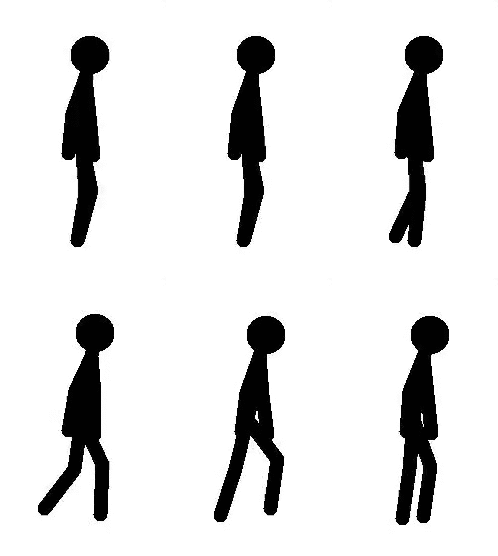
So far I have started on a simple walking animation. Currently it is 9 frames long, which is significantly smaller then I expected. It is running at 30fps (Thirty Frames Per Second) and is looking somewhat smooth.

However the animation is a little stiff on the top, So I think I will go back into the frames and change that. Going back and changing frames is an extremely tedious task, so a little bit of advise would be make sure you animate everything in the frame before you proceed!
Now there is some basic movement on all the parts of the figure. Obviously this animation isn't the greatest, but I didn't want to spend a long time making a walking animation that would serve me no purpose other then helping me re-learn the basic controls and functions of Pivot.
Tomorrow I will ask Justin what he wants me to do, then decide if what he told me was actually worth my time and effort. Then if it is, I will do that. But personally I would like to finish up the Zombie animations. E.x (Walking) (Running) (Attacking) (Idle) - Anything that makes the game look more like a game.


Tuesday, 12 January 2016

Class 76

Today I started with trying to finish up my dying animation as always. I kind of rushed the last two frames, so I might touch them up next class. But other then that I would say its pretty much done. Tomorrow I will definitely convert this animation into a PNG file, then put it into Gamemaker and maybe add a pool of blood that forms under the dead body.


- Possible Idea for next animation
Currently I have been animating the frames as I go, basically just winging it. But I want to change that, so next time I do an animation, I will start by creating it in something like Pivot. This will give me a nice reference to what it will look like without taking up a lot of my time. The reason I want to give this a try is because it takes me forever to create these animations, but because i'm just making it as I go I have no idea what it will look like in the end. So if I do it in Pivot I will have a rough idea of what it will look like, plus I can see how many frames I will need!
This should hopefully make my animating way easier!

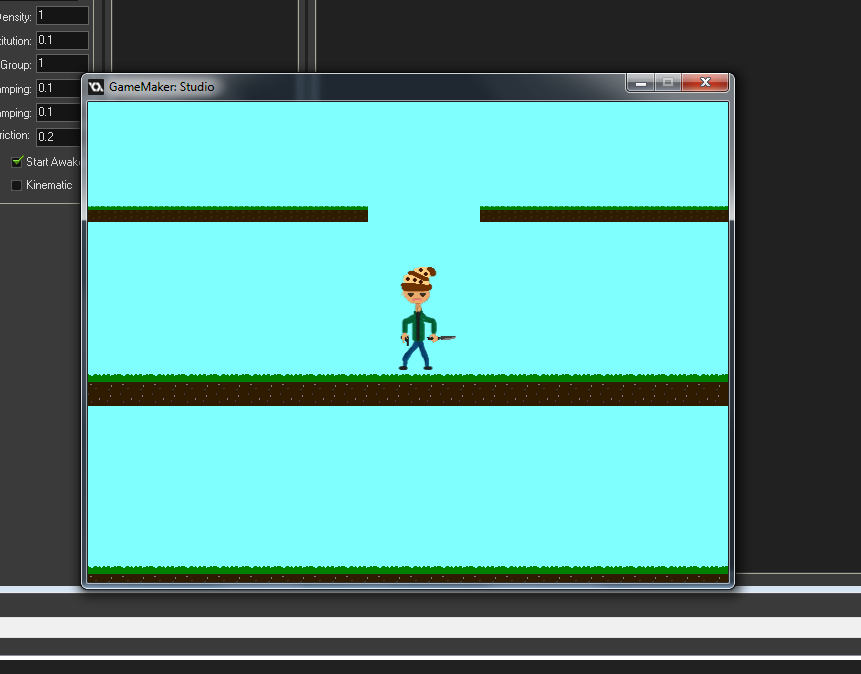
I also helped Nick with his game. His game so far is just a crude sprite of me that slides from side to side on these grass platforms. He has been trying to learn more about code in Gamemaker so he can help with our game. But he still needed help with integrating the Physics system into his game and code. After some very glitchy attempts we finally got everything in its (really bad) working condition.


I also helped Justin with solving a background issue. He wanted the background to just loop on forever so I just told him how he could fix that by making the mountains line up in the background creating a very simple fix to a even simpler problem.

Tomorrow I will try to put my animation into the game! And once i'm done that I will do more animations or see if anyone needs help!